
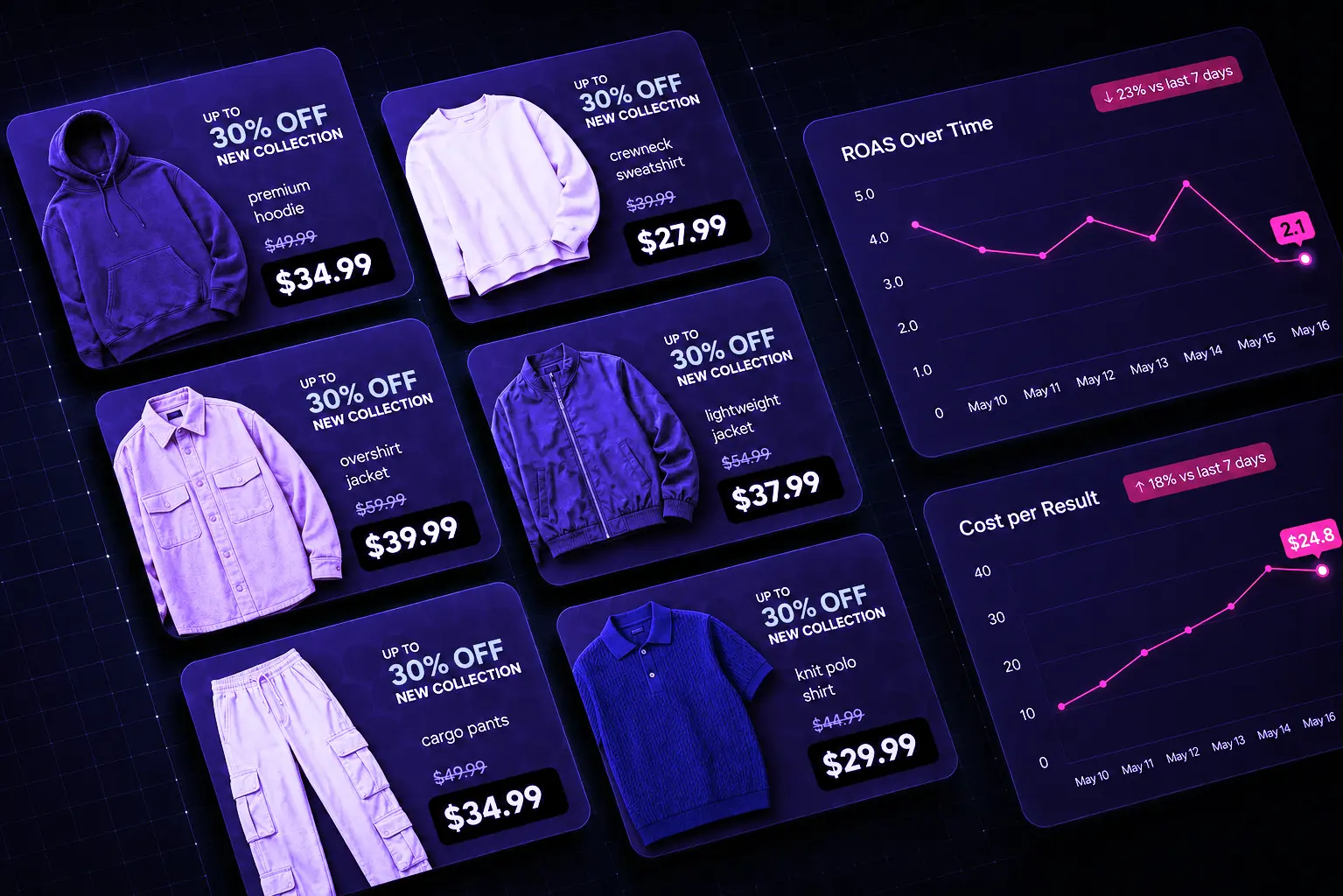
Paid advertising problems rarely become expensive overnight. They begin with smaller warning signs: CPA rises, CTR falls, conversion rates weaken, and a reliable ad set keeps spending while generating fewer purchases.
The real cost comes from noticing these changes too late. When teams rely on weekly reports or manual checks, an inefficient campaign can consume budget for days before anyone investigates it.
Meta Ads, Google Ads, and Shopify already provide the data. The challenge is connecting those signals quickly enough to understand what deserves action.
An AI ad monitoring tool helps close that gap. It reviews connected advertising and ecommerce data on a defined schedule and directs the team toward the campaigns, ads, or products that need attention.
That is the role Gavin, the ShopOS Performance Marketing agent, is designed to support.
TL;DR
An AI ad monitoring tool reviews Meta Ads, Google Ads, Shopify, and catalog data to catch costly campaign shifts before they become larger ROAS problems.
Gavin supports this through connected dashboards, scheduled checks, catalog intelligence, actionable reports, and contextual campaign analysis.
Catch ad issues before ROAS drops
See how ShopOS monitors campaigns and flags performance risks early.
What Is an AI Ad Monitoring Tool?
The platform reviews advertising data across connected accounts and highlights changes that may affect campaign efficiency.
Traditional reporting platforms mainly show what has happened. AI-based oversight helps teams understand:
- Where efficiency is weakening
- Which campaigns are spending without enough revenue
- Whether creative fatigue is affecting results
- Whether catalog or SKU-level problems are reducing returns
- What to investigate first
The objective is to reduce manual platform checks and date-range comparisons.
Useful AI campaign monitoring software helps teams move from raw numbers to clearer decisions faster. The best ad performance monitoring software also connects channel data with revenue outcomes, so teams can act with more context.
Dashboard vs AI Monitoring Tool
Dashboards and intelligent monitoring systems are related, but they do not perform the same role.
| Capability | Standard Advertising Dashboard | AI Monitoring Tool |
| Displays campaign metrics | Yes | Yes |
| Shows spend, CTR, CPA, revenue, and ROAS | Yes | Yes |
| Requires manual review | Usually | Reduced through scheduled checks |
| Compares defined periods | Sometimes | Yes |
| Flags unusual movements | Limited | Yes |
| Detects possible creative fatigue | Usually manual | Can assess multiple signals |
| Prioritizes account concerns | Limited | Yes |
| Generates specific recommendations | Rarely | Yes |
| Reviews catalog and SKU-level issues | Platform dependent | Can combine product and ad data |
| Produces scheduled reports | Sometimes | Yes |
| Supports conversational analysis | Rarely | Yes |
Key takeaway: A dashboard tells you what the numbers are. An AI-powered monitoring layer helps explain which changes matter and where the team should look next.
For a wider view of how planning, creative, channel execution, and analysis connect, read How to Build an AI Performance Marketing Strategy for Ecommerce.
Why Advertising Dashboards Alone Are Not Enough
Meta Ads Manager, Google Ads, and Shopify already provide extensive reporting.
The problem is fragmentation.
Someone still needs to compare platforms, connect advertising activity with store outcomes, and judge whether a movement matters.
A dashboard may show ROAS declining from 3.4 to 2.6 without explaining which campaign caused it or whether CPA, CTR, and product availability are contributing.
This is where ad performance monitoring software adds value by helping teams connect related signals before the damage becomes obvious in a weekly or monthly report. Unlike a static dashboard, AI campaign monitoring software can review those changes on a schedule and keep the team focused on the most important account movements.
How Gavin Connects Advertising and Ecommerce Data
Gavin brings together information from advertising platforms and the ecommerce store so teams can review account health with more context.
```md
Meta Ads ───────┐

Google Ads ─────┼──> Gavin ──> Scheduled checks ──> Actionable reports

Shopify ────────┤                                      │

Catalog Data ───┘                                      ▼

                                              Team reviews action
```
Meta Ads and Google Ads provide campaign and conversion signals. Shopify adds revenue and orders, while catalog data adds product availability and SKU-level context.
This connected setup gives ecommerce teams a form of cross-channel ad reporting software that ties campaign activity to store outcomes rather than reviewing every platform in isolation.
For the creative side of this workflow, AI Ads for Ecommerce Brands explains how teams can turn product briefs into campaign-ready assets across channels.
What Should Ecommerce Campaign Monitoring Track?
A reliable system should evaluate account, campaign, ad set, ad, product, and SKU-level signals.
Effective ecommerce campaign monitoring should track:
- Spend
- Impressions
- Clicks
- CPM
- CTR
- CPC
- Conversion rate
- Add-to-cart activity
- Purchases
- Revenue
- CPA
- ROAS
- Catalog revenue
- Wasted catalog spend
- Product and SKU results
- Active and paused campaign status
These metrics become more useful when reviewed together instead of in isolation. Strong ecommerce campaign monitoring connects them with business outcomes, so teams can see whether clicks and spend are translating into purchases and revenue.
Reviewing Meta Ads, Google Ads, and Shopify Together
Paid campaign results cannot always be understood from one platform alone.
Meta may show strong engagement while Shopify shows weak purchase conversion. Google Ads may appear efficient while product availability affects store revenue.
A cross-channel ad reporting software solution should help teams connect advertising activity with ecommerce outcomes.
Gavin provides dedicated dashboards for Meta Ads, Google Ads, and Shopify. Each dashboard begins with a Top Ads view, allowing users to sort performers by ROAS, spend, or CPA.
Users can then move into campaign, ad set, and ad-level tables to answer questions such as:
- Which ads are producing the most efficient revenue?
- Which campaigns are spending more without enough orders?
- Are strong click-through rates translating into purchases?
- Where has conversion efficiency changed most sharply?
The value comes from moving quickly from an account overview to the exact campaign or ad driving the result. For teams comparing multiple channels, cross-channel ad reporting software reduces the need to reconcile separate platform reports manually.
A Practical Example of Early Issue Detection
Consider an ecommerce campaign that normally generates a ROAS of 3.5.
| Metric | Previous Period | Current Period |
| ROAS | 3.5 | 2.4 |
| CPA | ₹850 | ₹1,240 |
| CTR | 1.9% | 1.2% |
| Spend | ₹80,000 | ₹92,000 |
A dashboard shows the numbers, but the team still needs to connect them.
Falling ROAS, rising CPA, declining CTR, and increasing spend suggest more than normal daily fluctuation. A ROAS monitoring tool can help flag this pattern earlier, giving the team time to check creative fatigue, audience frequency, landing-page changes, or product availability.
Early-warning pattern: Falling ROAS + rising CPA + declining CTR + increasing spend should trigger a closer review, even when the campaign is still generating purchases.
The advantage is catching the pattern before another week of budget is spent at reduced efficiency.
Catching ROAS Declines Earlier
ROAS often weakens gradually.
CPA may increase, conversion rates may soften, or a previously strong ad may lose effectiveness.
A ROAS monitoring tool shortens the time between the first warning sign and review. Gavin’s scheduled ROAS Performance Digest can highlight campaigns or ad sets that have moved below earlier baselines.
The team can then decide whether to adjust, pause, or investigate further. Used consistently, a ROAS monitoring tool helps protect spend before the decline becomes expensive.
Detecting Ad Fatigue Before Results Fall Further
Creative fatigue is a common cause of declining efficiency.
As an audience sees the same ad repeatedly, engagement can weaken, click costs rise, and acquisition becomes less efficient.
An ad fatigue detection tool should assess falling CTR, rising frequency, increasing CPA, and weaker conversion rates together.
Gavin’s Fatigue Detection routine helps teams decide when to refresh a visual, test a new hook, or review audience saturation. A reliable fatigue-detection system should use connected signals rather than treating one metric as proof.
This also creates a useful connection between Gavin and Monica, the ShopOS Creative Director agent. Gavin can show where an ad is losing traction, while Monica can support the creation and adaptation of new brand-aligned assets.
Learn more in AI Creative Agent for Ecommerce: Can It Replace Your Creative Tool Stack?.
Why Ecommerce Teams Need Catalog Intelligence
Catalog campaigns can look healthy while individual products waste budget.
Some SKUs may receive clicks but no orders. Others may remain promoted despite availability problems.
Gavin’s Catalog Dashboard separates catalog results from overall Shopify outcomes, including catalog spend, revenue, blended ROAS, and wasted spend.
It also flags SKU-level issues, availability problems, catalog inefficiencies, and products that may deserve more or less support.
Scheduled Checks, Reports, and Ask Gavin
Gavin can run five scheduled routines:
- ROAS Performance Digest
- Fatigue Detection
- Daily Audit
- Catalog Health
- SKU Quadrant
These checks produce reports with relevant campaigns, dates, metric movements, and suggested next steps.
Users can also select campaigns, view combined spend and average ROAS, and use Ask Gavin to examine only that selection. They might ask why ROAS declined, which campaign needs attention first, or what explains a CPA increase.
This keeps analysis focused without repeated exports or filtering. It is also where intelligent campaign oversight becomes more useful than a static report.
What to Look for When Choosing a Solution
When evaluating AI campaign monitoring software, ecommerce teams should look for:
Cross-Channel Visibility
It should connect advertising results with Shopify revenue and product outcomes.
Detailed Views
It should support campaign, ad set, ad, product, and SKU-level analysis.
Scheduled Checks
It should review connected accounts automatically on a chosen cadence.
Clear Recommendations
It should explain what changed and what the team should review next.
Catalog Intelligence
It should account for product availability, SKU results, and wasted catalog spend.
Contextual Analysis
It should let marketers examine selected campaigns without reviewing the entire account.
Human Control
It should support decisions while leaving final actions with the performance team.
The right ad performance monitoring software should combine these capabilities without adding another complicated reporting layer.
How Gavin Supports Ecommerce Teams
Gavin is the ShopOS Performance Marketing agent for teams managing Meta Ads, Google Ads, Shopify, and catalog campaigns.
It combines connected dashboards, scheduled analysis, catalog intelligence, actionable reports, and Ask Gavin to help marketers understand where results are changing and decide what to do next.
Teams need at least one connected ad account, a connected Shopify store for revenue and catalog context, and a completed ShopOS Brand Memory.
For growing ecommerce brands, an AI ad monitoring tool can make daily account reviews more consistent without removing human control from campaign decisions.
Final Thoughts
Advertising waste often begins before a campaign looks visibly broken.
A gradual ROAS decline, increasing CPA, weak click response, catalog inefficiency, or product availability issue can reduce results for days before it reaches the top of a weekly report.
An AI ad monitoring tool helps ecommerce teams shorten that delay.
The most useful solutions do not simply add more charts. They connect relevant data and help marketers move toward a decision faster. The strongest solutions also give teams the context needed to act across channels, products, and revenue outcomes.
The goal is not more reporting. It is helping ecommerce teams protect budget, improve decision speed, and act before performance declines become expensive.
Ready to Catch Issues Before They Hurt Your ROAS?
See how Gavin helps you review Meta Ads, Google Ads, Shopify, and catalog results from one place. Get actionable insights, detect costly changes earlier, and optimize campaigns with greater confidence.
CTA Button: Get 500 Free Credits — Sign Up
FAQs
What is an AI ad monitoring tool?
It reviews advertising data across connected platforms and highlights important changes in spend, CPA, CTR, revenue, conversions, and ROAS.
How is an AI ad monitoring tool different from a dashboard?
A dashboard displays metrics. AI-powered campaign monitoring reviews those metrics, connects related changes, and recommends what the team should investigate.
Can Gavin monitor both Meta Ads and Google Ads?
Yes. Gavin provides dedicated Meta Ads and Google Ads dashboards and connects them with Shopify and catalog data.
Does Gavin automatically pause underperforming campaigns?
Gavin can recommend actions such as reviewing or pausing an ad set. The performance team decides whether to implement the recommendation.
Can an ecommerce ad monitoring tool detect creative fatigue?
Yes. An ad fatigue detection tool can assess falling CTR, rising CPA, increasing frequency, and weaker conversion rates. Gavin includes a Fatigue Detection routine for this purpose.
Can an AI ad monitoring tool replace a performance marketer?
No. It can reduce manual analysis and support faster decisions, but marketers still provide business context, approve actions, manage budgets, and plan strategy.